
Features
Voice Input in Chat
Quick Voice Input
The chat mic lets you dictate messages using your voice. It's useful when typing is inconvenient — walking, cooking, or just faster than thumbing a keyboard.
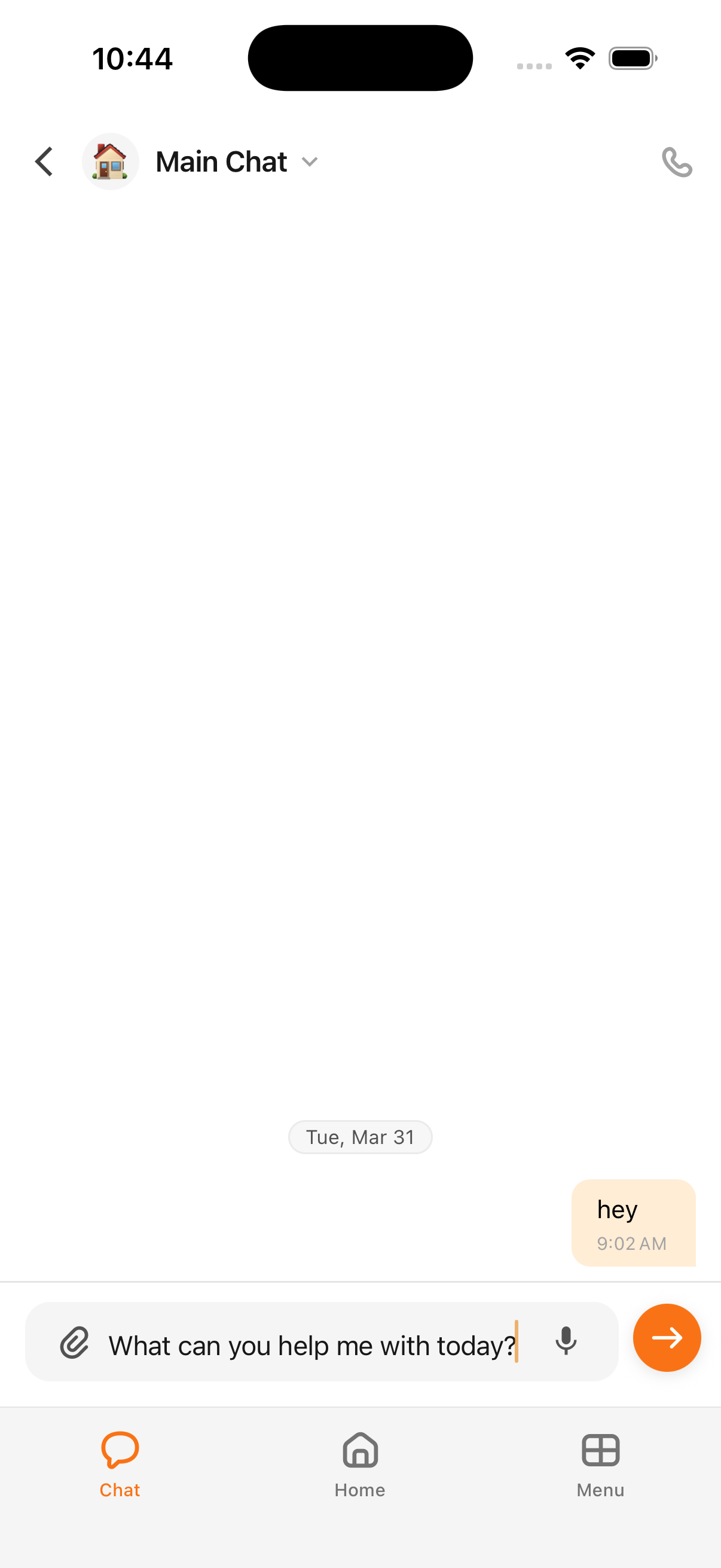
How to Use It
- Open a chat conversation
- Tap and hold the microphone icon in the chat input area
- Speak your message — Cloa transcribes in real-time
- Release to send, or swipe away to cancel
When to Use Chat Mic vs Voice Call
| Feature | Chat Mic | Voice Call |
|---|---|---|
| Interaction | You dictate, Cloa replies in text | Full two-way conversation |
| Best for | Quick questions, single messages | Extended conversations, hands-free use |
| How to start | Hold microphone icon | Tap phone icon |
If you want a back-and-forth conversation, use a Voice Call instead.
Did You Know?
Chat mic transcription works even in noisy environments. Cloa uses context from your conversation to improve accuracy — so the more you chat, the better it understands you.
What's Next
- Try a full voice conversation with Voice Calls
- Learn what else Cloa can do in How Cloa Remembers