
Your First Conversation
Start Chatting
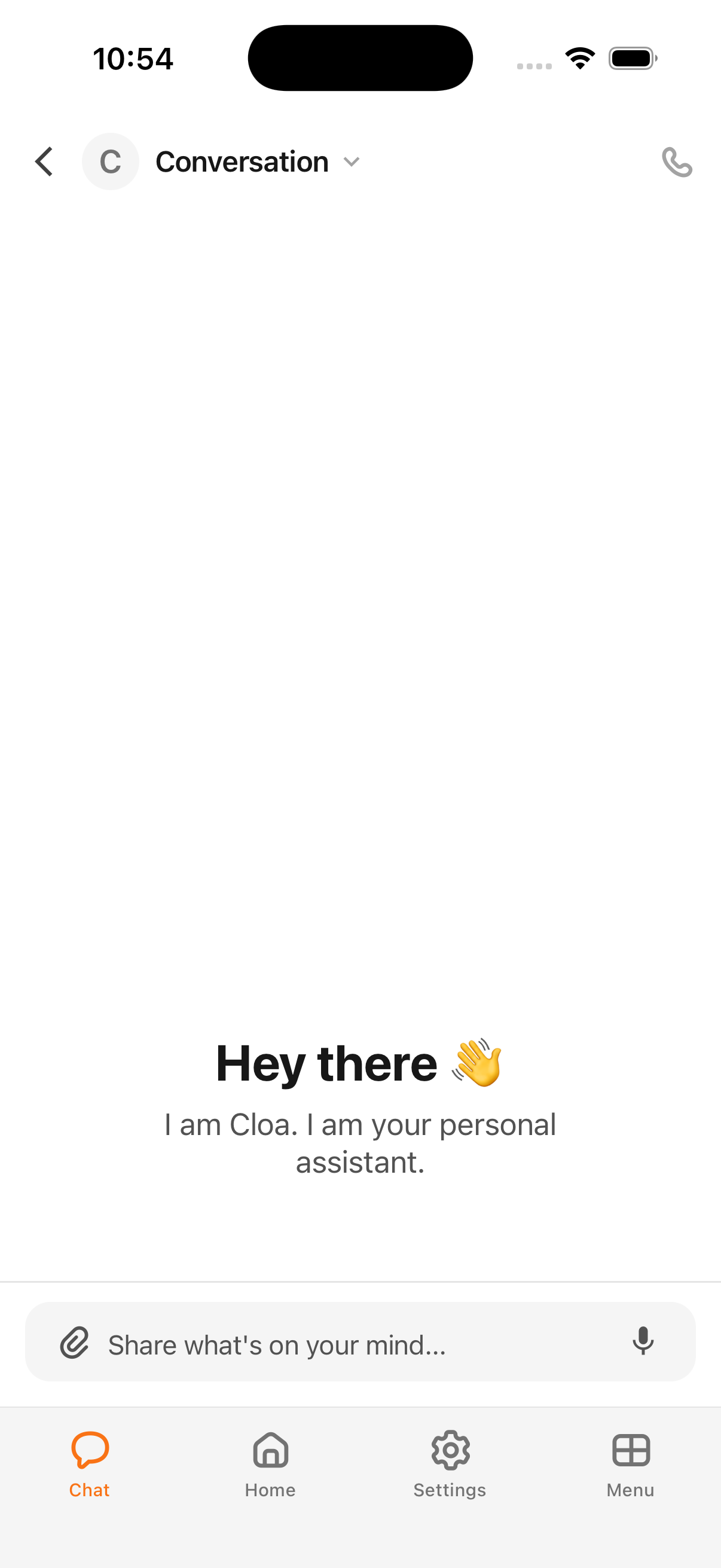
Your Main Chat with Cloa is always pinned at the top of the Chat tab. To start a new conversation, tap the + floating action button (FAB) at the bottom-right corner of the screen.
Try saying something like:
- "What can you do?"
- "What's on my schedule today?"
- "Remember that I prefer morning meetings"
What Makes Cloa Different
Unlike other AI assistants, Cloa remembers. When you tell Cloa something about yourself — your preferences, your routines, your relationships — it stores that in long-term memory and uses it in future conversations.
Memory in Action
Tell Cloa: "I'm allergic to shellfish"
Weeks later, ask: "What should I order at a seafood restaurant?"
Cloa will remember your allergy and suggest accordingly — without you having to remind it.
Voice Input
You can tap and hold the microphone icon in the chat input to dictate messages instead of typing. Cloa transcribes your speech in real-time.
Voice Calls
For a more natural conversation, tap the phone icon to start a voice call with Cloa. You can speak naturally, interrupt, and have a back-and-forth conversation just like talking to a friend.
What's Next
- Learn how Cloa's memory works in How Cloa Remembers
- Try a hands-free conversation with Voice Calls
- Connect your calendar and email in Connect Your Apps