
Integrations
Notion
What Cloa Can Do with Notion
| Action | Description |
|---|---|
| Browse pages | Navigate your Notion workspace and databases |
| Search | Find pages and content across your workspace |
| Create pages | Create new pages and database entries |
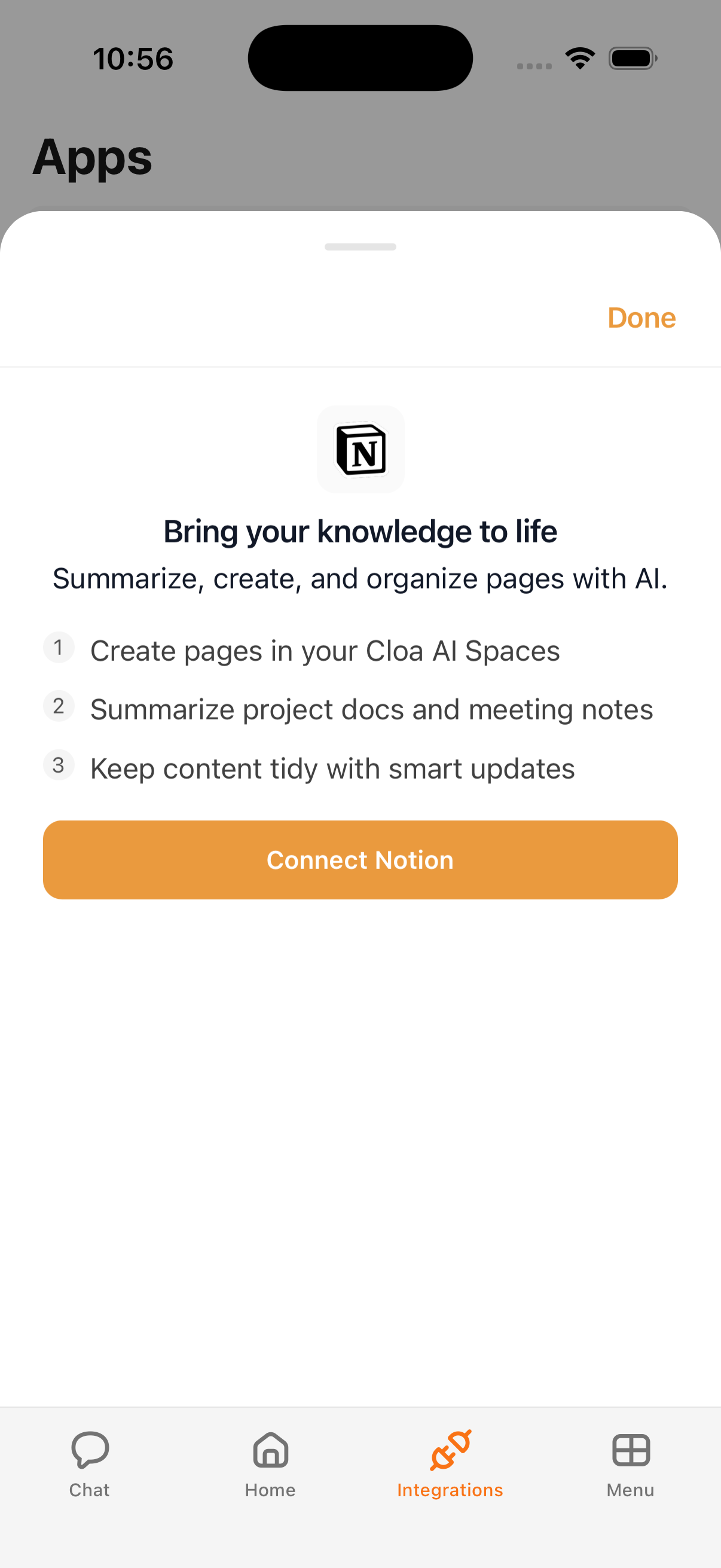
How to Connect
- Open the Cloa app
- Tap Menu → Integrations → Notion
- Tap Connect, then sign in with your Notion account
- Select which pages Cloa can access
Example Prompts
Once connected, try:
"Create a Notion page with notes from our conversation"
"Search my Notion for the project plan"
"What's in my Notion database for Q2 tasks?"
Tips
- Cloa can turn conversation summaries into Notion pages automatically
- Use Automations to create weekly Notion reports from your calendar and email data
- Notion works best when you grant access to specific pages rather than your entire workspace
Troubleshooting
If Notion pages aren't loading, check that you've granted Cloa access to the correct pages during connection setup. See Integration Issues for more help.
What's Next
- Control page access in Understanding Permissions
- Communicate with your team using Slack