
Telegram
Two Ways to Connect Telegram
Cloa offers two separate Telegram integrations, each serving a different purpose. You will find both listed under Communication in the Integrations screen.
| Integration | Purpose |
|---|---|
| Telegram Bot | Chat with AI Companions through a Telegram bot |
| Telegram Personal | Let Cloa read and send messages from your personal Telegram account |
You can connect one or both depending on what you need.
Telegram Bot
Telegram Bot is the integration that powers AI Companions on Telegram. When you connect a companion, the conversation happens through a Telegram bot account dedicated to that companion.

What You Can Do
- Chat with any of the 32 AI Companions directly in Telegram
- Each companion has their own bot account with their own name and profile photo
- Conversations carry the same long-term memory as the main Cloa app
How to Connect
- Open the Cloa app
- Go to Menu → Companion
- Browse the Discover tab and tap a companion
- Tap Chat with [Name] on Telegram at the bottom of their profile
- If this is your first time, the app walks you through linking your Telegram account
Once linked, connecting to any companion is a single tap.
Tips
- Companion conversations on Telegram work the same as chatting in the app — same personality, same memory, same context
- You can chat with multiple companions at the same time, each in their own Telegram conversation
Telegram Personal
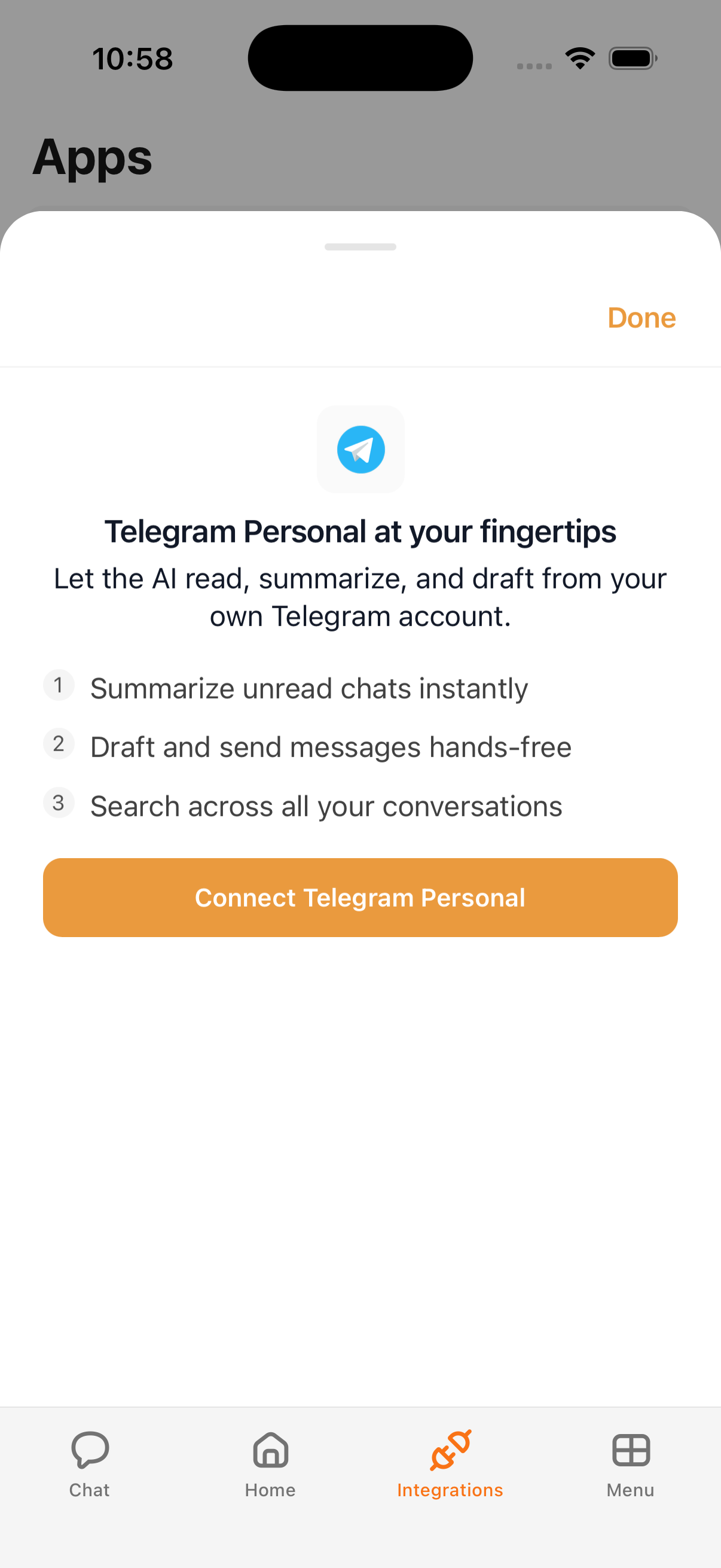
Telegram Personal connects your own Telegram account to Cloa, allowing the AI to read your chats and send messages on your behalf. This uses session-based authentication to access your personal account.
What Cloa Can Do
| Action | Description |
|---|---|
| Read messages | See your Telegram chats and messages |
| Send messages | Send messages on your behalf |
| Summarize chats | Get summaries of unread conversations |
How to Connect
- Open the Cloa app
- Go to Menu → Integrations
- Tap Telegram Personal
- Follow the session authentication flow to link your personal Telegram account
- Grant the requested permissions
Tips
- Set Telegram Personal to Confirm mode to review messages before they are sent on your behalf
- Use Automations to automate Telegram notifications or message workflows
- Telegram Personal data can feed into your morning briefing for a daily messaging summary
Companions on Telegram
For a full walkthrough of browsing, connecting, and chatting with AI Companions, see the AI Companions guide. Companions use the Telegram Bot integration under the hood — you do not need to configure anything separately once your Telegram account is linked.
Example Prompts
Telegram Personal
"Check my latest Telegram messages"
"Send a Telegram message to Alex: Running 10 minutes late"
"Summarize my unread Telegram chats"
Telegram Bot (Companions)
Chat directly with a companion in their Telegram conversation — no special prompts needed. Just message them like you would message anyone else.
Troubleshooting
If either Telegram integration is not connecting, verify your Telegram account is active and accessible. For Telegram Personal, you may need to re-authenticate your session. See Integration Issues for more help.
What's Next
- Meet the AI Companions in AI Companions
- Control messaging permissions in Understanding Permissions
- Set up a custom Telegram bot in Bring Your Own Key