
Start a Voice Call
Talk to Cloa Like a Friend
Voice calls let you have a natural, back-and-forth conversation with Cloa. No typing required — just speak and Cloa responds in real-time.
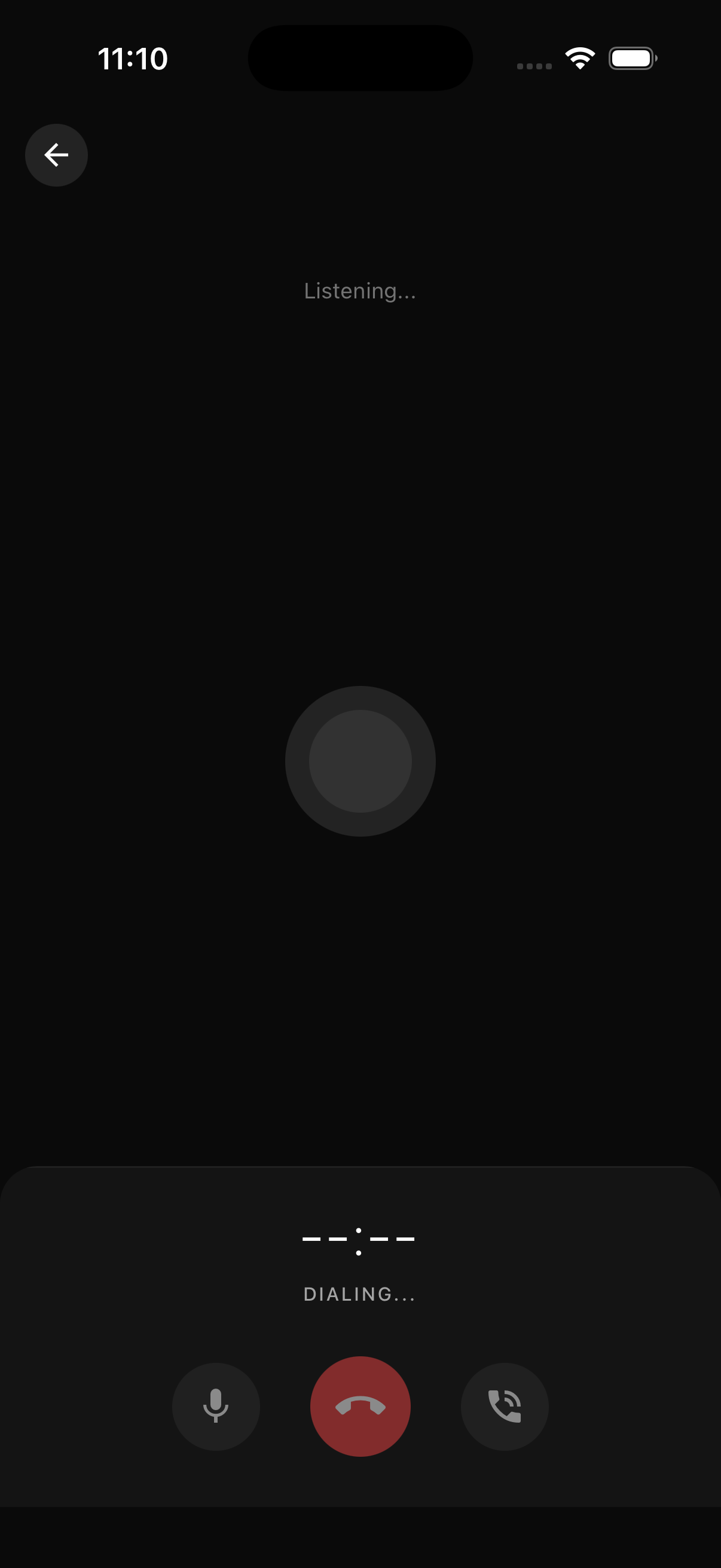
How to Start a Voice Call
- Open the Cloa app
- Go to the Chat tab (for main Cloa) or open a Companion conversation
- Tap the phone icon in the top right of the chat header
- Start speaking when you hear Cloa (or the companion) greet you
Voice Calls with Companions
Voice calls are not limited to the main Cloa assistant. You can also call any of the 32 AI Companions. Each companion has their own unique voice, so the voice call experience matches the persona you are chatting with. Start a voice call from any companion's chat screen using the same phone icon in the header.
Natural Conversation
Cloa's voice calls support barge-in — you can interrupt Cloa mid-sentence, just like in a real conversation. No need to wait for Cloa to finish before you respond.
The voice call uses the same memory and context as your chat conversations. If you told Cloa something in chat last week, it remembers during your voice call.
Voice Call vs Chat Mic
These are two different features:
| Feature | How It Works | Best For |
|---|---|---|
| Voice Call | Full real-time conversation with Cloa or a Companion | Hands-free use, commuting, multitasking |
| Chat Mic | Tap-and-hold to dictate a message | Quick voice input when typing is inconvenient |
Learn more about the chat mic in Voice Input in Chat.
Connection Requirements
Voice calls need a stable internet connection. For the best experience, use Wi-Fi or a strong cellular connection. If audio quality drops, check your network.
Privacy
Voice data is processed in real-time for speech recognition and text-to-speech. Cloa does not store recordings of your voice calls. This applies to both main Cloa and Companion voice calls.
Did you know? You can interrupt Cloa mid-sentence — just start talking. Cloa stops and listens, just like a real conversation.
What's Next
- Try quick voice input with Voice Input in Chat
- Learn how memory makes conversations personal in How Cloa Remembers
- Browse companions with unique voices in AI Companions
- Having audio issues? Check Voice Call Issues