
Integrations
Lark
What Cloa Can Do with Lark
| Action | Description |
|---|---|
| Read documents | Access workspace documents and files |
| Messaging | Send and read messages in Lark |
| Calendar | View and manage Lark calendar events |
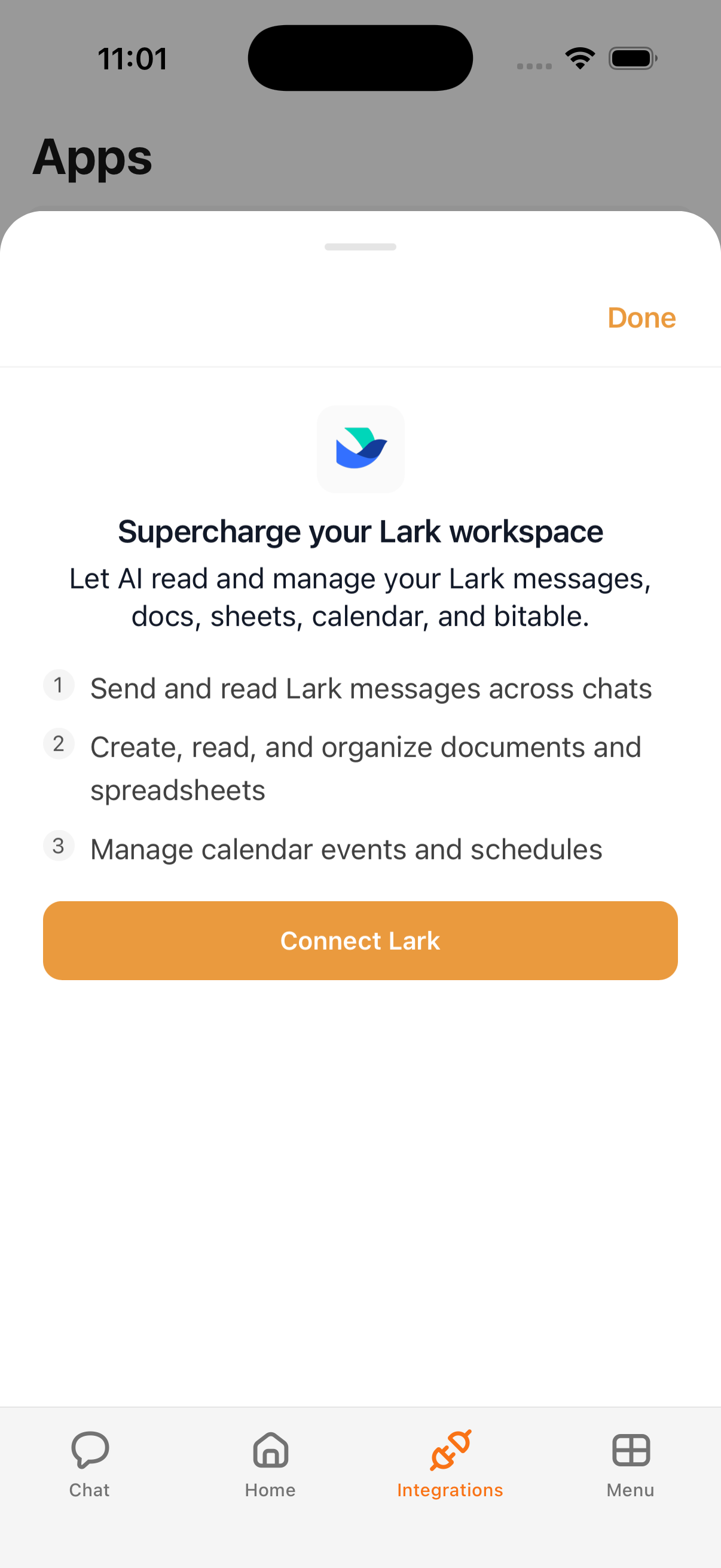
How to Connect
- Open the Cloa app
- Tap Menu → Integrations → Lark
- Tap Connect, then sign in with your Lark account
- Grant the requested permissions
Example Prompts
Once connected, try:
"Search my Lark documents for the Q2 report"
"What meetings do I have on Lark today?"
"Send a Lark message to the team channel"
Tips
- Lark works alongside other integrations — you can use Google Calendar for personal events and Lark for work events
- Combine Lark with Automations to automate document creation and team updates
Troubleshooting
If Lark isn't connecting, verify your workspace settings allow third-party app access. See Integration Issues for more help.
What's Next
- Control permissions in Understanding Permissions
- Connect personal messaging with Telegram