
Features
Cloa Files
What Are Cloa Files?
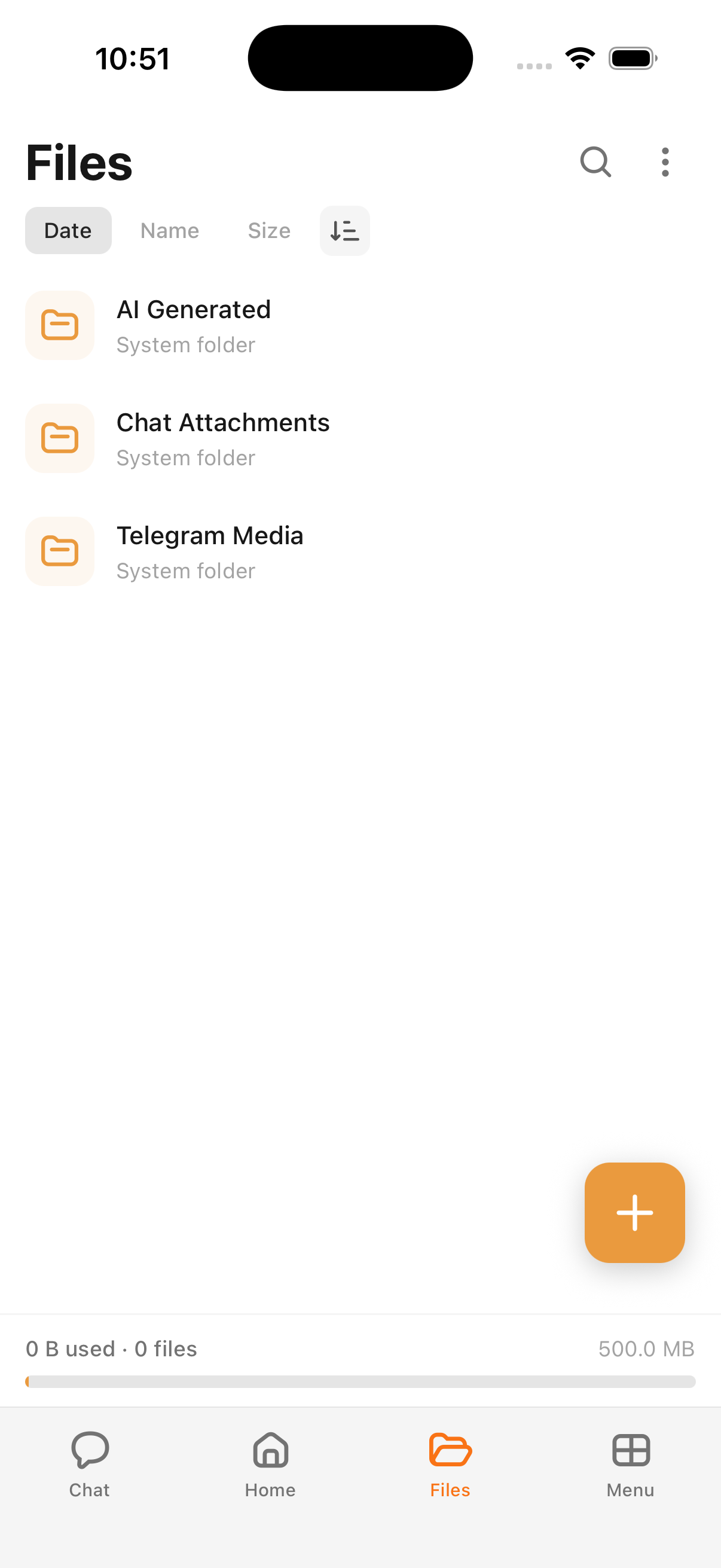
Cloa Files lets you save documents, images, and other files that come up in your conversations. Think of it as a personal file drawer connected to your AI assistant.
Saving Files
When Cloa generates or references a file in conversation — a summary document, a drafted email, or an image — you can save it directly to Cloa Files for later access.
Accessing Your Files
- Open the Cloa app
- Tap Menu → Files
- Browse or search your saved files
You can also ask Cloa to find a file:
"Show me the summary you drafted last week"
Did You Know?
You can ask Cloa to find files by describing them naturally — "that email draft from Tuesday" or "the meeting notes from last week." No exact filename needed.
What's Next
- Learn about organizing your workflow with Automations
- See how memory ties your files and conversations together in How Cloa Remembers